 Kiwi Code Docs
Getting Started
Welcome to Kiwi Code — a terminal-first interface for chatting with AI, managing runs, and connecting a local CLI runtime.
Getting Started
Welcome to Kiwi Code — a terminal-first interface for chatting with AI, managing runs, and connecting a local CLI runtime so AI can execute terminal commands on your machine.
What is Kiwi Code?
Kiwi Code is a Python terminal application with three components:
TUI — kiwi
Full-screen Textual terminal UI for interactive AI chat. The recommended way to use Kiwi Code.
CLI — kiwicli
Command-line tool for scripting, inspection, and one-off queries.
Runtime — kiwi-runtime
WebSocket agent that executes shell commands for the AI on your local machine.
Two Ways to Use Kiwi Code
Terminal User: Kiwi TUI
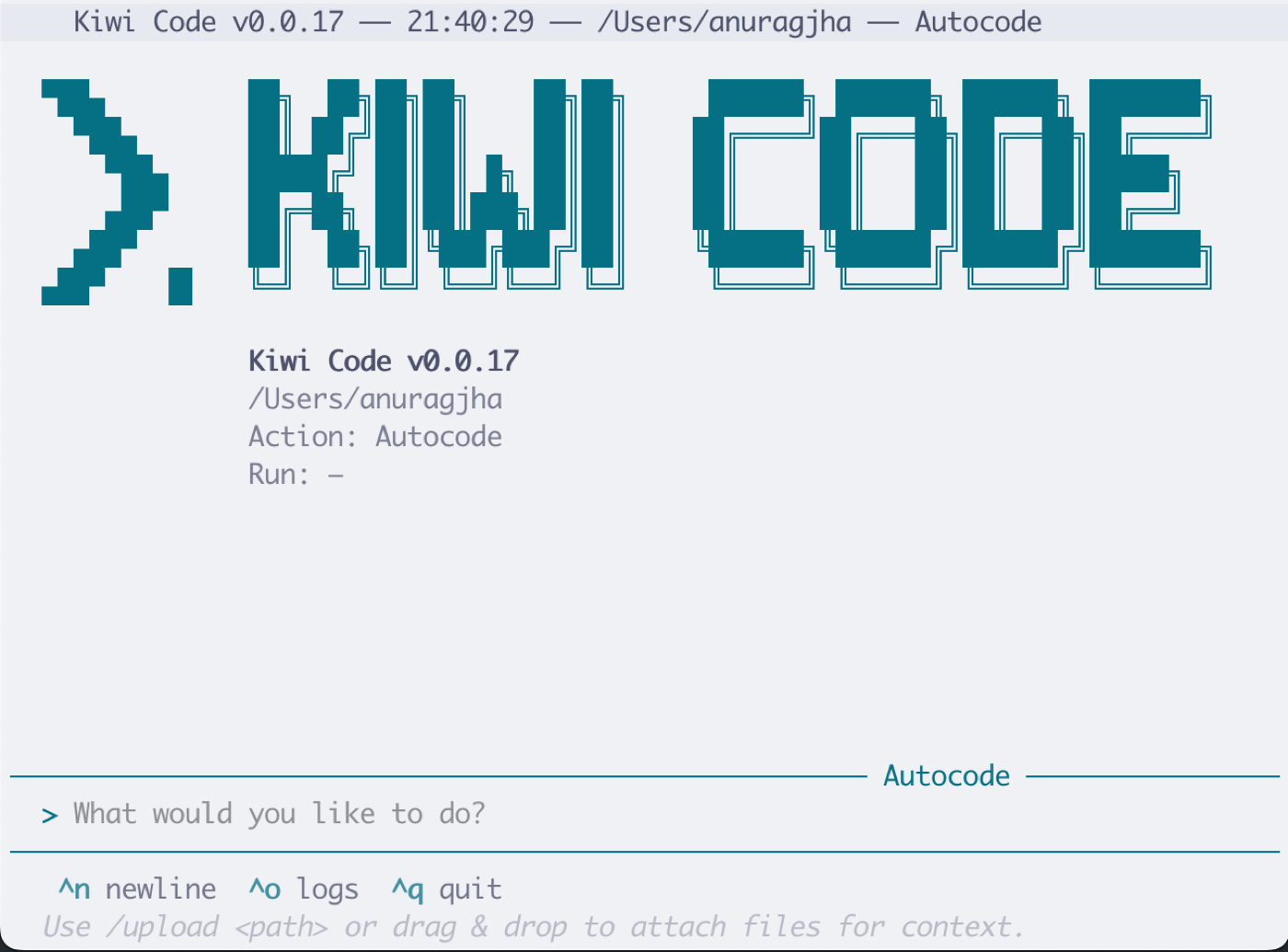
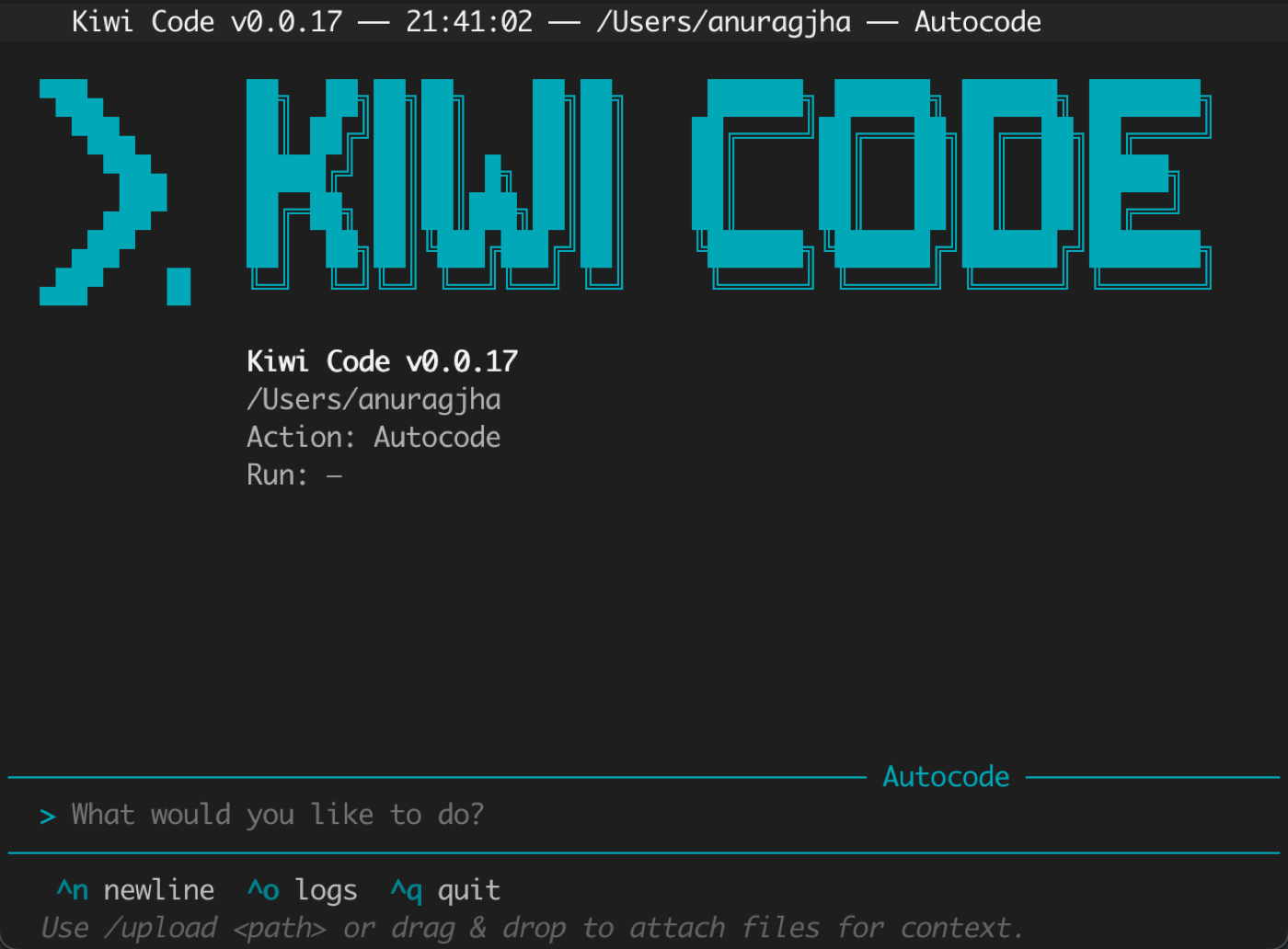
  +-- Kiwi Backend ----+          +-- Your Terminal ------------+
  |                     |  HTTP    |                             |
  |   AI Model          |<-------->|      kiwi (TUI)             |
  |   (cloud)           |  SSE     | (Textual full-screen UI)    |
  |                     |          |        |                    |
  |                     |  WSS     |        | spawns             |
  |                     |<-------->|        v                    |
  |                     |          |  kiwi-runtime (local)       |
  |                     |          |  Executes commands          |
+---------------------+ +----------------------------+- You type a message in the TUI
- The message goes to the Kiwi server (cloud AI)
- The AI can request terminal commands
- The local
kiwi-runtimeexecutes them on your machine - Results stream back in real-time
Hybrid User: Web App + Local Runtime
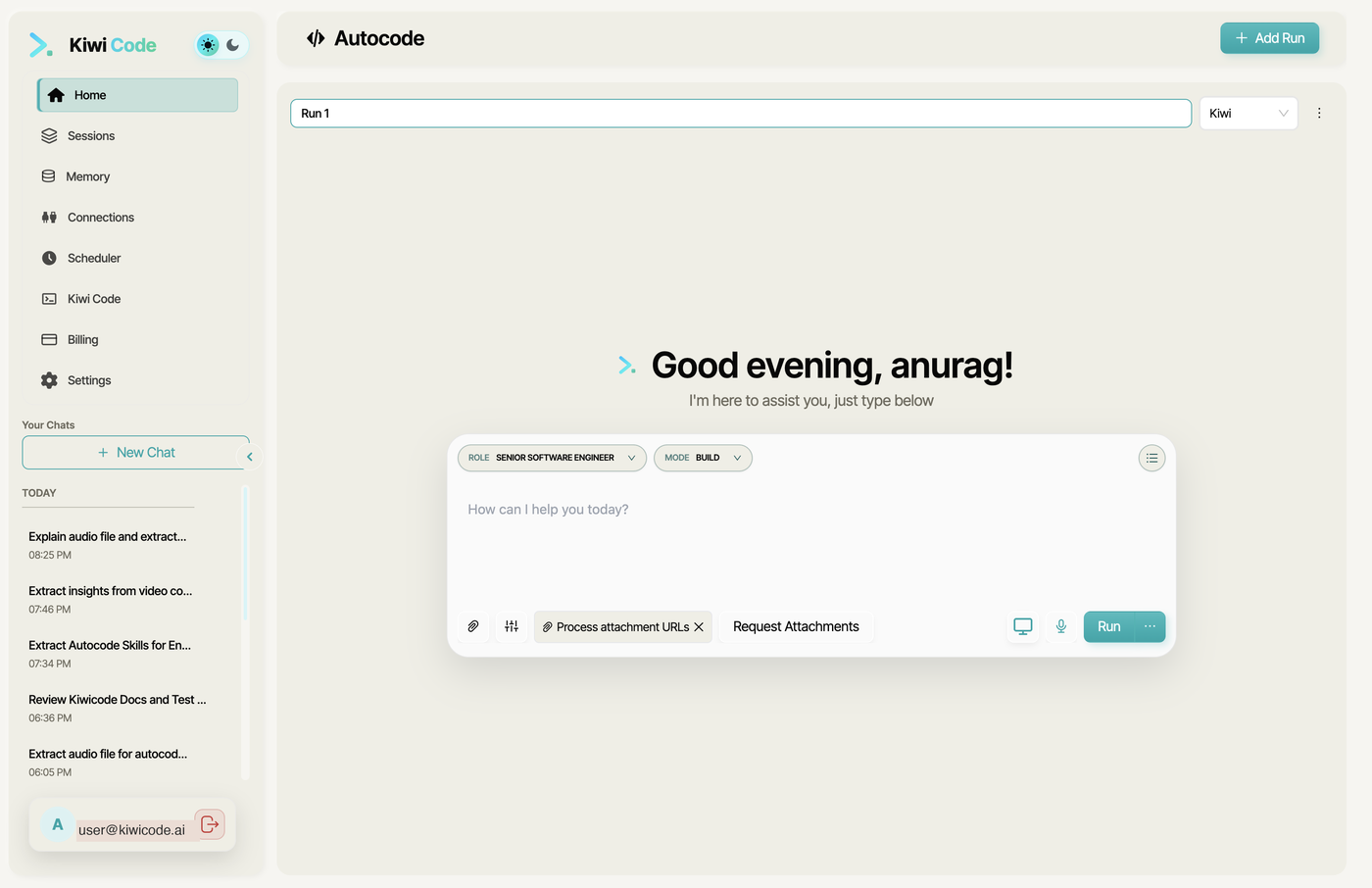
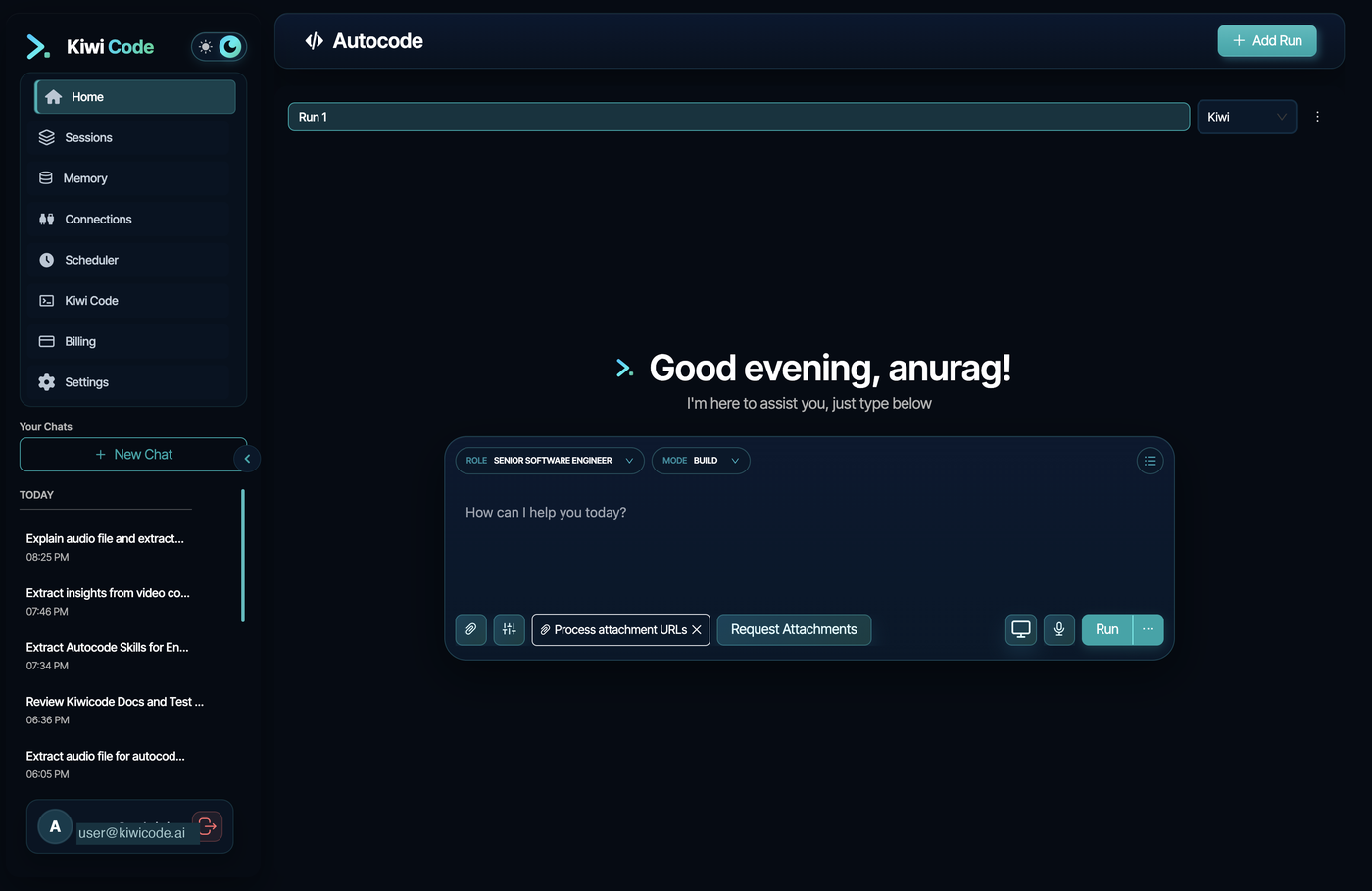
  +-- Your Terminal --------+     +-- Browser -----------------+
  |                          |     |                            |
  |  kiwi-runtime connect    |     |  kiwicode.ai               |
  |  (WebSocket to backend)  |<===>|  /autocode/new             |
  |                          |     |                            |
  |  AI executes commands    |     |  You type messages here    |
  |  on your machine         |     |                            |
+--------------------------+ +----------------------------+- You start
kiwi-runtimein your terminal - You open the web app in your browser
- You ask the AI to connect to your runtime
- The AI executes commands on your machine while you chat from the browser
Prerequisites
- Python 3.11+ (3.11, 3.12, or 3.13)
- Linux, macOS, or Windows
- Git (required for worktree mode)