 Kiwi Code Docs
Introduction
Documentation for Kiwi Code, the consumer AI coding assistant at kiwicode.ai (Python package kiwi-ai). Not for Kiwi Platform (app.meetkiwi.ai).
Kiwi Code is a terminal-first AI coding assistant that reads your codebase, edits files, runs commands, and connects to your development tools. Available as a full-screen TUI, a CLI, and a web app.
Kiwi Code is the consumer version of Kiwi. You sign in at kiwicode.ai and install the kiwi-ai Python package:
pip install kiwi-aiKiwi Platform (app.meetkiwi.ai) is a different product. It has its own package (kiwi-code) and its own accounts. These docs don't apply to it, and kiwicode.ai logins don't work there.
If kiwi-code is already installed on your machine, uninstall it before installing kiwi-ai: pip uninstall kiwi-code
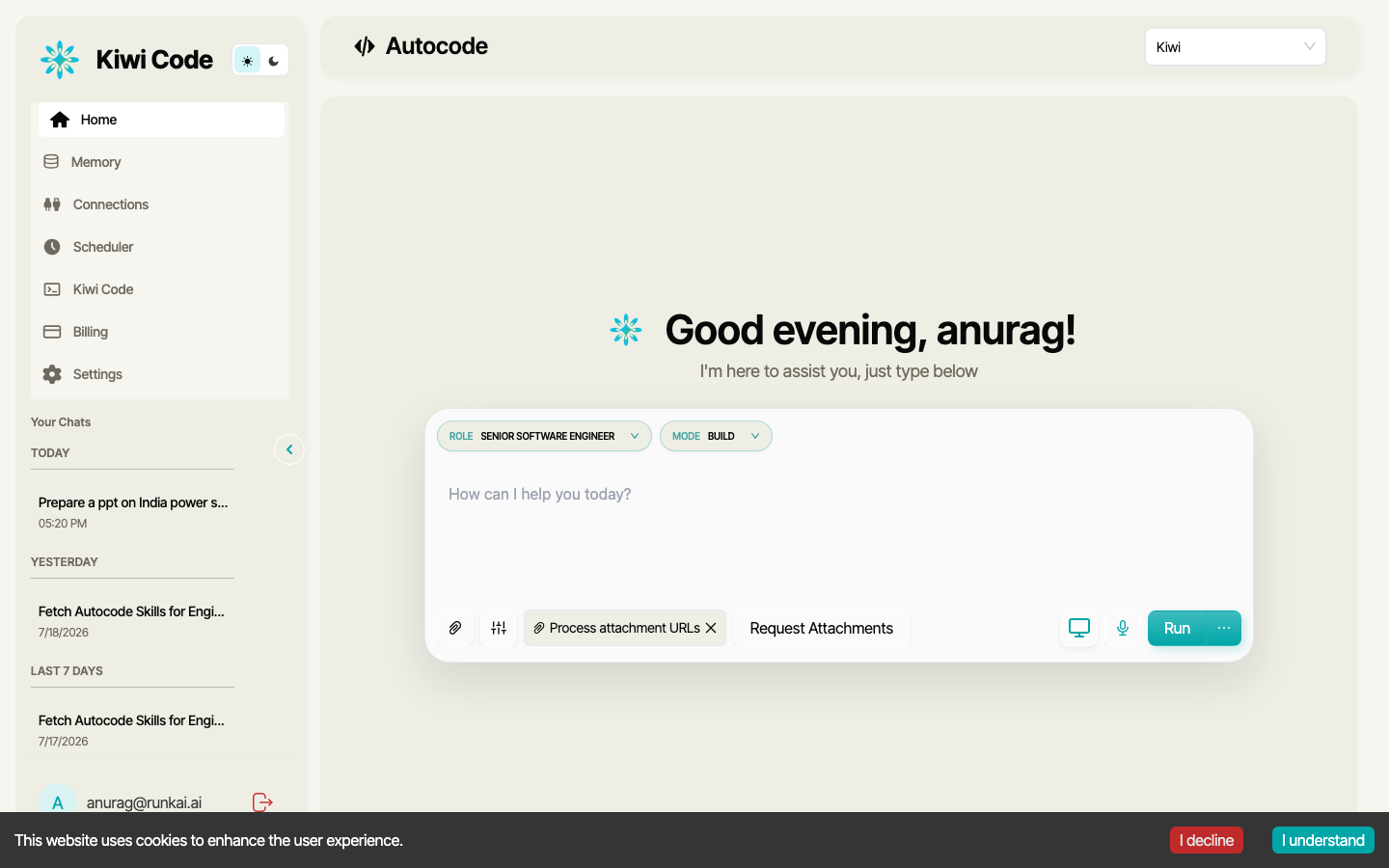
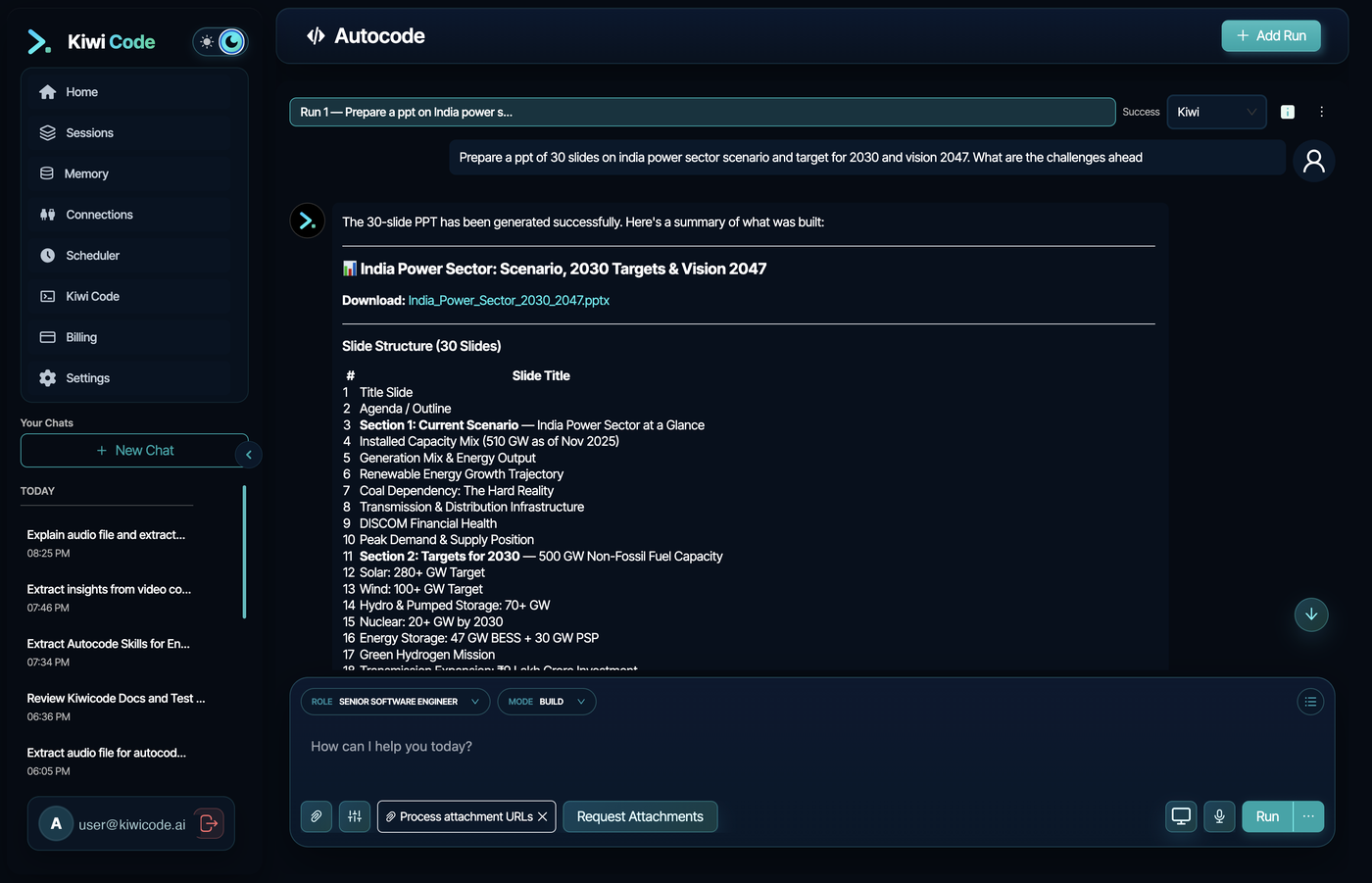
Web App
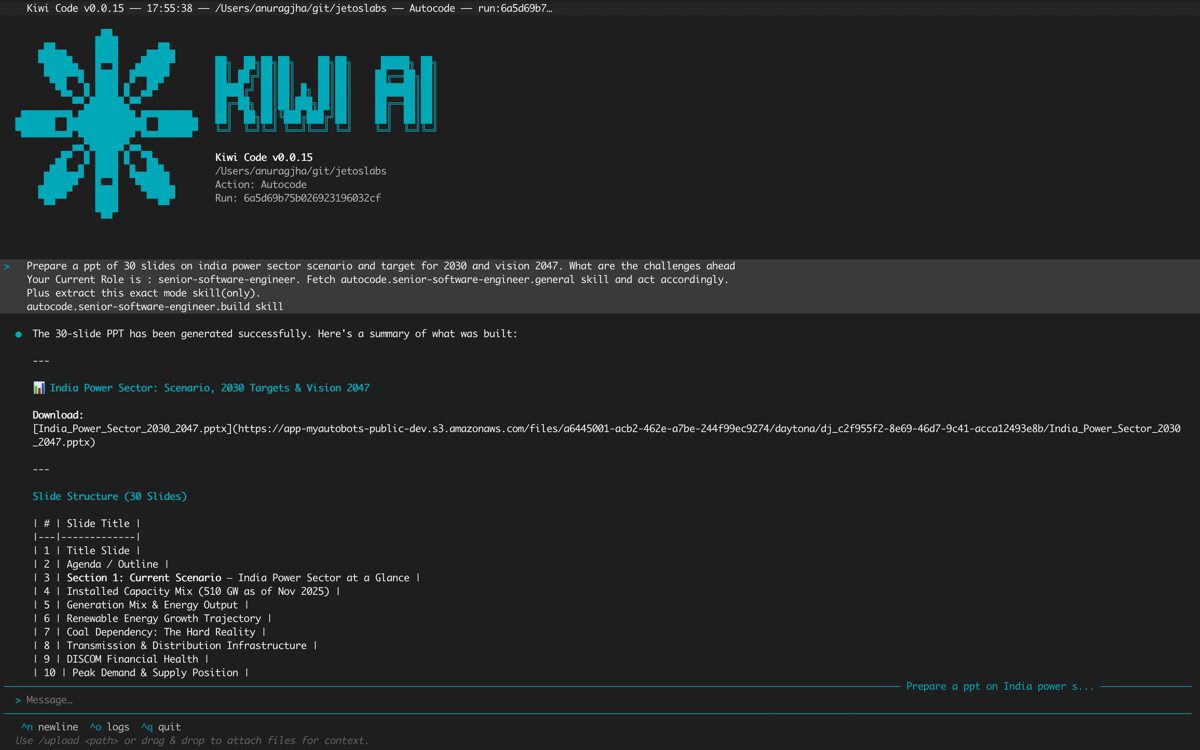
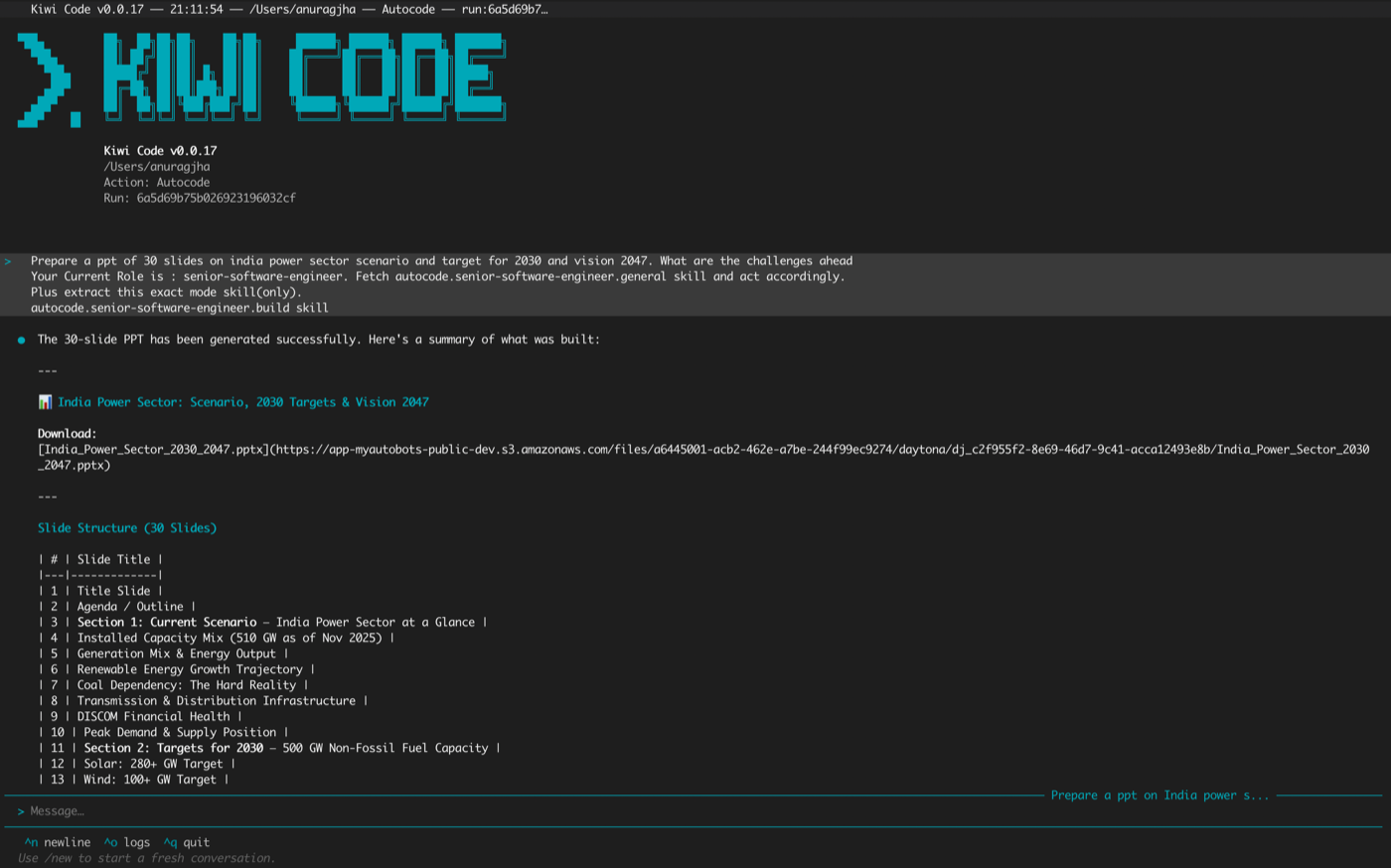
Terminal TUI
Get started
Kiwi Code runs in your terminal with a rich TUI, as a standalone CLI runtime, or through the web app. Choose how you want to get started:
The full-screen terminal interface — the recommended way to use Kiwi Code. Chat with AI, manage runs, upload files, and control your local runtime.
pip install kiwi-ai
kiwi
You'll be prompted to log in on first use. The runtime auto-connects in the background.
Run the runtime as a standalone process for scripting, automation, or connecting from the web app.
pip install kiwi-ai
kiwi-runtime connect --scope full
The runtime connects to the backend and waits for the AI to bind.
Chat with AI from your browser while the runtime executes commands on your local machine.
- Start the runtime:
kiwi-runtime connect --scope full - Open https://kiwicode.ai/autocode/new
- Ask the AI to connect to your CLI runtime
What you can do
Chat & Execute Code
Connect a cloud AI to your local machine — read, write, edit, search your codebase through the terminal.
Checkpoint & Rewind
Every prompt snapshots your files. Rewind to any state with /rewind.
Isolated Worktrees
AI experiments in a separate branch. Merge when ready.
Multi-Agent Parallel
Fan out work across multiple agents for large tasks.
Remote Sandboxes
Cloud VMs with configurable compute for heavy workloads.
100+ Integrations
OAuth connections to Slack, Google, Jira, and more — credentials never touch the AI.
Terminal Mode
Script and automate with kiwi --terminal. Pipe input, get JSON output.
Roles & Modes
Switch between plan, build, and validate workflows.
Explore the docs
Getting Started
What Kiwi Code is and how its three components work together.
Installation
Install with pip, pipx, or uv. Verify and configure.
Quick Start
Log in, launch the TUI, and send your first message.
CLI Reference
Complete reference for kiwi, kiwicli, and kiwi-runtime commands.
TUI Reference
Screens, input features, keyboard shortcuts, and themes.
Slash Commands
All commands available inside the TUI.
Core Concepts
How Kiwi Code Works
The agentic loop — how the AI thinks, acts, and iterates.
Explore the .kiwi Directory
Configuration, tokens, checkpoints, and runtime state.
Context & Conversations
How conversation history and context management work.
Checkpoint System
Snapshot and rewind file changes across AI prompts.
Getting help
- In the TUI: Type
/helpor ask "how do I..." - Documentation: Browse the guides and references in the sidebar
- Slash commands: Type
/in the chat input for autocomplete